Our Commitment to Transparency
Welcome! This interactive disclosure is designed to clearly explain how the "Price History" Extension collects and uses data to improve your online shopping. Our goal is to provide a powerful service while being completely transparent about how it works. By using the extension, you agree to these practices.
What Data Do We Collect Automatically?
To power the extension's features, we need to collect information from the e-commerce sites you visit. Click on each category below to learn more about what we collect and why.
Product Information
We collect the product's name and description. This is essential for us to correctly identify the item you're viewing across different pages and to build an accurate price history for that specific product.
Pricing Data
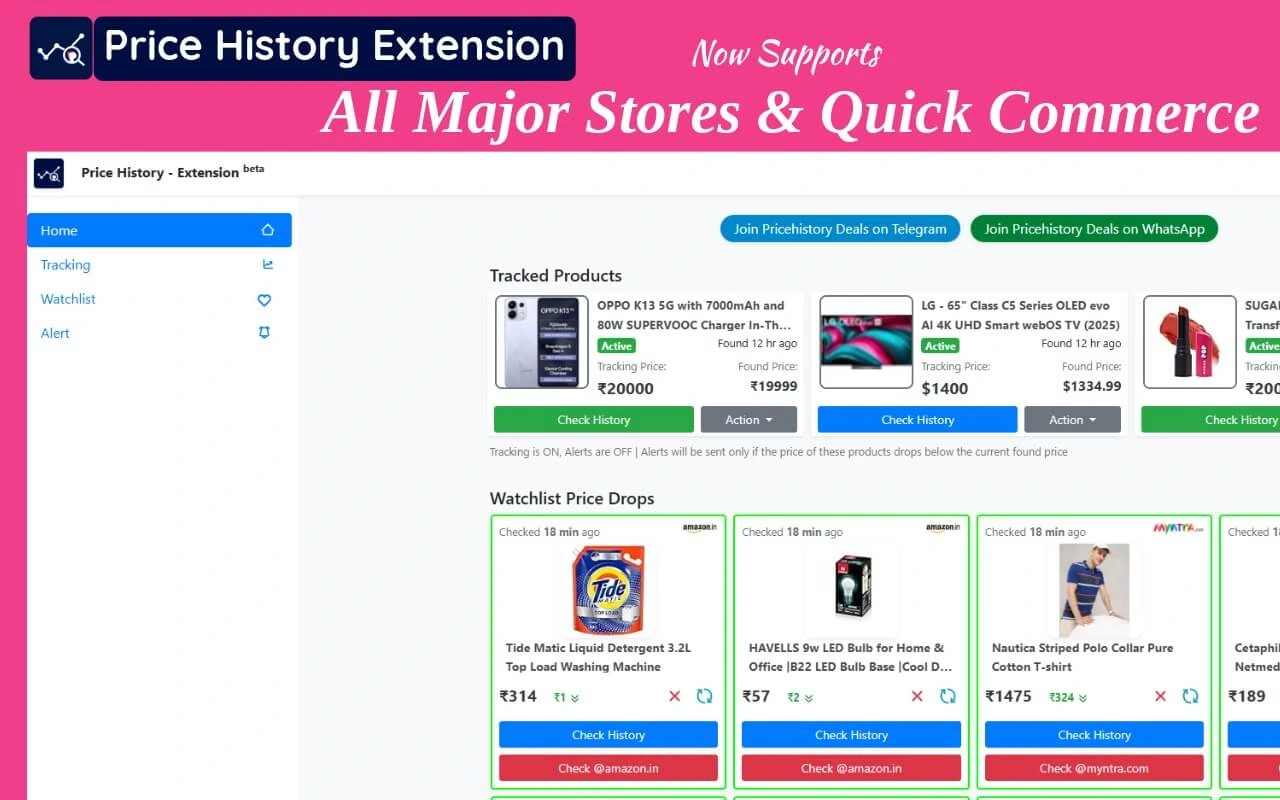
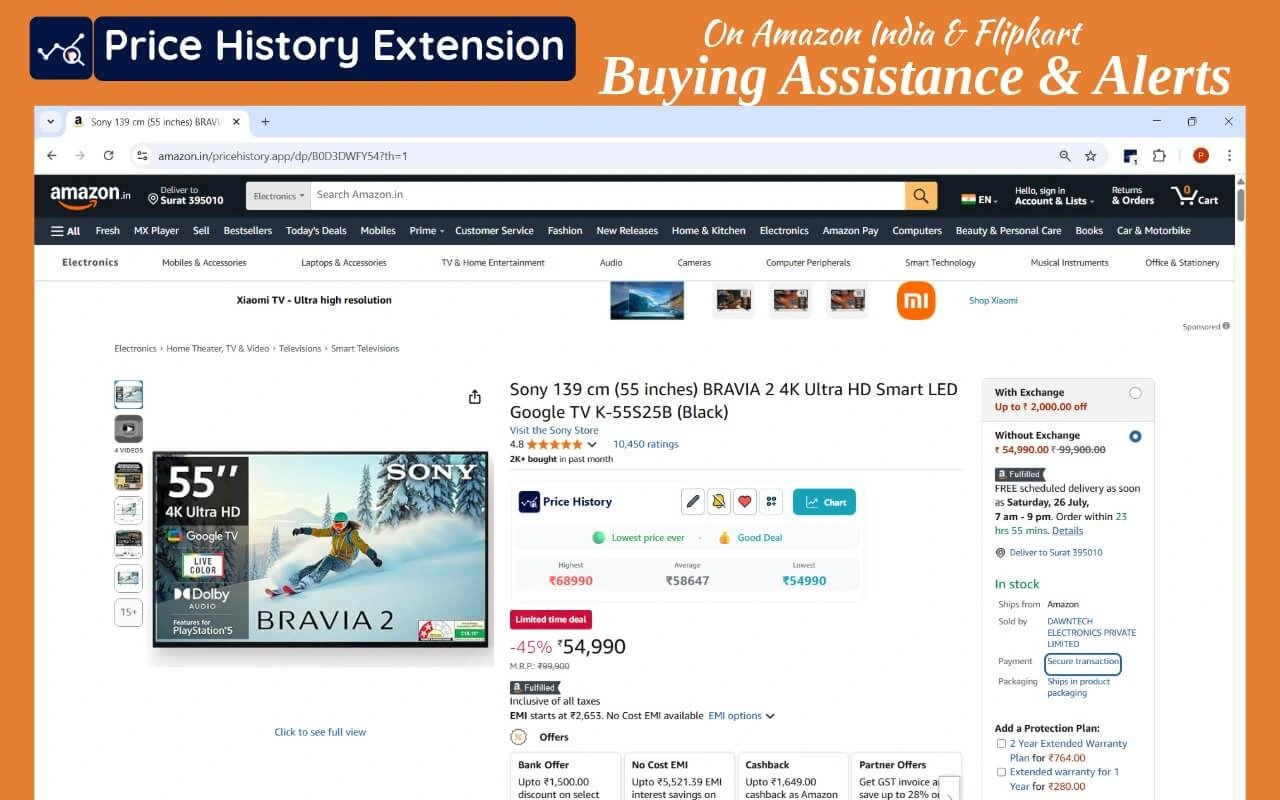
We capture the product's current price. Over time, this collected data creates the price history charts that are the core feature of our extension, allowing you to see if it's a good time to buy.
Source Information
Collecting the product page URL and the retailer's name helps us organize our data and ensures that the price information is correctly associated with the specific store you are browsing.
Location-Specific Data
We collect the postal code (pin code) from which you are browsing. Prices for the same product can vary by location. This data allows us to verify pricing accuracy for your specific area and analyze the geographical distribution of product data.
How Is This Data Used?
Price Scraping & Updates
To keep our price history charts accurate, we use "price scraping" to automatically extract data from retail sites. This happens on pages you visit and sometimes in the background to ensure our entire database is up-to-date.
Usage & Analytics
We collect anonymous data about how you interact with the extension (e.g., which features are used most). This helps us find and fix bugs, identify popular features, and improve the overall user experience.
Monetization
The Price History extension is operated and monetized in partnership with phapp.co. The data we collect is an integral part of our business model, which allows us to offer this service to you.
Your Choices: Optional Features
Some features require additional information and are completely optional. You are in control of whether or not you use them.
Price Drop Alerts
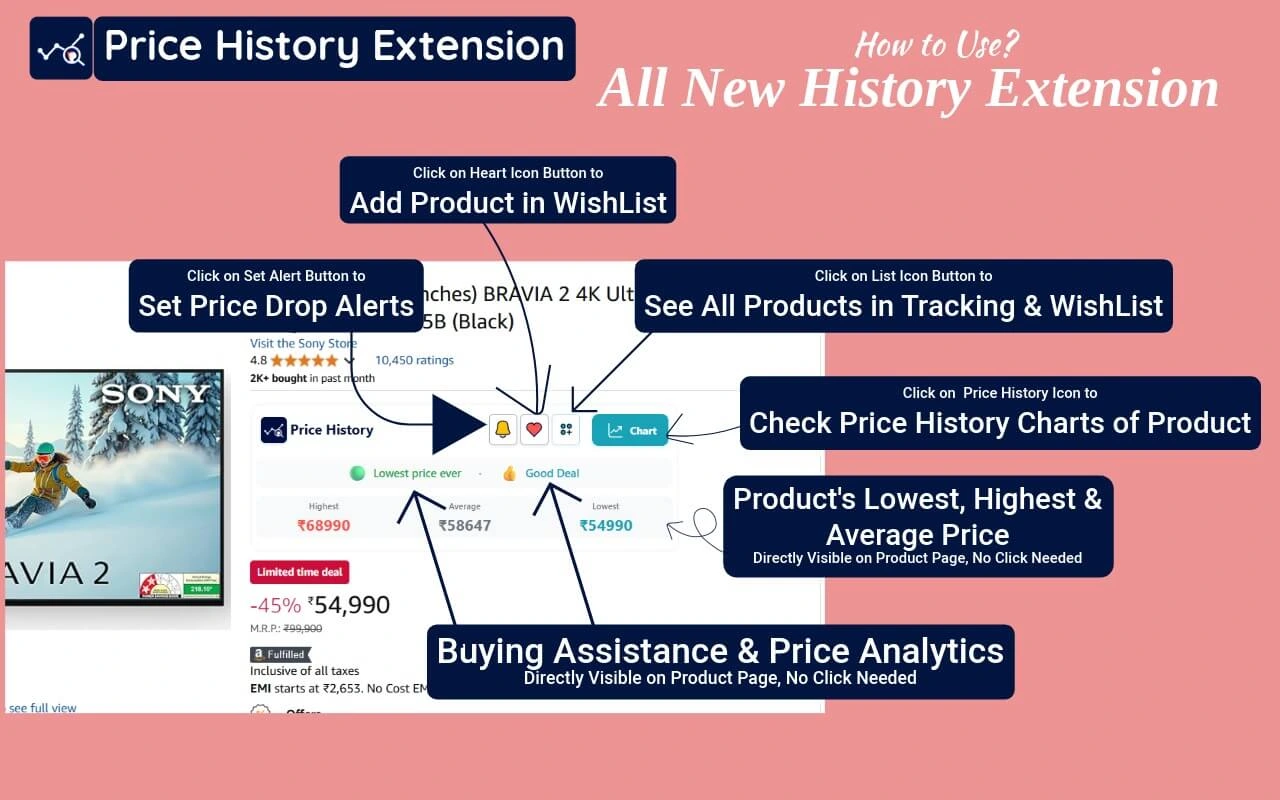
If you choose to set up price drop alerts, we will need your contact information (like a Telegram handle) to notify you when a tracked product's price changes. We only use this to send the alerts you requested.
Chat Integration
Similarly, if you enable any chat features within the extension, we will use the necessary data solely to facilitate that communication, as requested by you.