
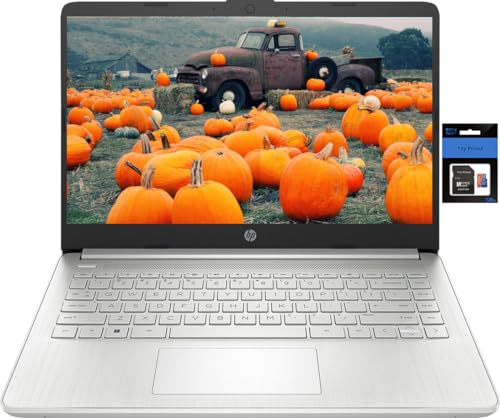
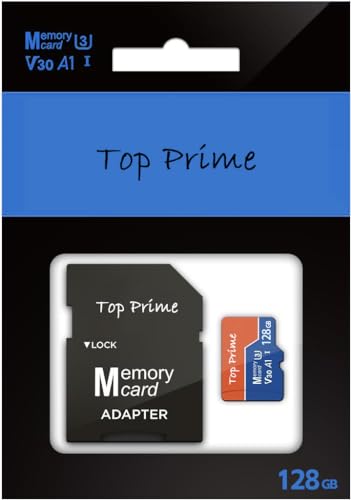
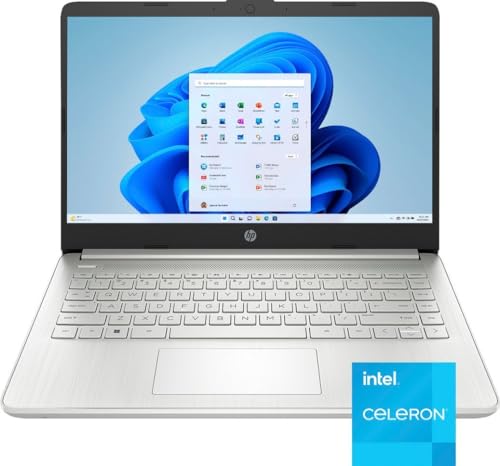
HP 14 inch HD Stream Laptop Computer for Students and Business, Quad-Core Intel Celeron N Processor, 8GB RAM, 256GB Storage(128GB eMMC+128GB TP SD Card), 1 Year Office 365, HDMI,WiFi,USB-A&C, Win 11
Price may vary by location, shipping cost, and availability.
Price History Information
You can check the price history of HP 14 inch HD Stream Laptop Computer for Students and Business, Quad-Core Intel Celeron N Processor, 8GB RAM, 256GB Storage(128GB eMMC+128GB TP SD Card), 1 Year Office 365, HDMI,WiFi,USB-A&C, Win 11 here.
Product Information
Details
| Product Name | HP 14 inch HD Stream Laptop Computer for Students and Business, Quad-Core Intel Celeron N Processor, 8GB RAM, 256GB Storage(128GB eMMC+128GB TP SD Card), 1 Year Office 365, HDMI,WiFi,USB-A&C, Win 11 |
|---|---|
| Store Product Code | B0DDXV2D4H |
| Store Name | amazon.com |
| Brand | HP |
| Rating | 8 / 10 |
| Category | Traditional Laptops |
| Model Name | HP Stream 14 |
| Color | Silver |
Features
- 14" HD BrightView Display14.0-inch diagonal, HD (1366 x 768), micro-edge, BrightView. The captivating clarity and brilliance will surely enhance your work and entertainment endeavors.
- Processor & GraphicsIntel Celeron N4120, 4 Cores & 4 Threads, 1.10 GHz Base Frequency, Up to 2.60 GHz Burst Frequency, 4 MB Cahce, Intel UHD Graphics 600
- Upgraded to 8GB RAM & 128GB eMMCAdequate high-bandwidth RAM to smoothly run multiple applications and browser tabs all at once. Massive storage space for your files, applications, and multimedia content, providing fast and reliable data access.
- Windows 11 Home in S modeYou may switch to regular windows 11: Press "Start button" bottom left of the screen; Select "Settings" icon above "power" icon;Select "Activation", then Go to Store; Select Get option under "Switch out of S mode"; Hit Install. (If you also see an "Upgrade your edition of Windows" section, be careful not to click the "Go to the Store" link that appears there.)
- Activate pre-installed Office 365: 1.Launch any Office app > 2.Start your activation by signing in with your Microsoft account(Create a account if you don't have one yet) > 3.Click "Activative Office" > 4.Sign in your account and follow the next prompts. > 5.Complete Step 1,2 and 3 > 6.Click on Refresh once Office is ready > 7.Open a document and accept the license agreement.
Images
× ![]()


Rating and Reviews
8 Based on 59 reviews
HP 14 inch HD Stream Laptop Computer has 8 rating out of 10. This average rating is consist of 59 individual ratings. You can rate this product at product review page.
* Predictions is created on based of past prices and trends, it does not guarantee that it will happen. These are just prediction for theoretical information only.