
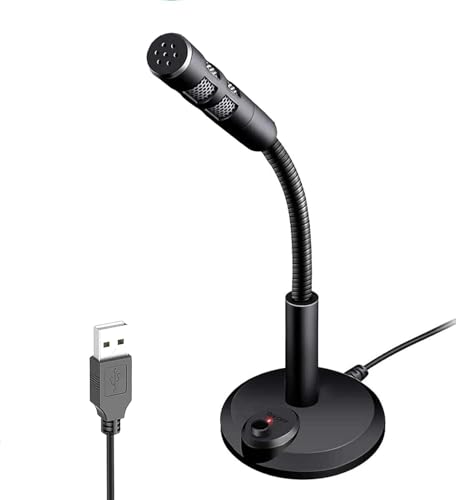
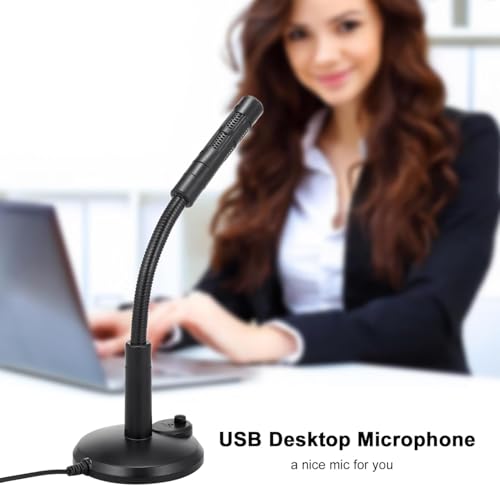
ETZIN USB Computer Microphone,Plug and Play Desktop PC Laptop Microphone with Mute Button and LED Indicator for Streaming,Podcasting,Recording,Gaming Mic for Mac Or Window Black EPL-791UG
Price may vary by location, shipping cost, and availability.
Price History Information
You can check the price history of ETZIN USB Computer Microphone,Plug and Play Desktop PC Laptop Microphone with Mute Button and LED Indicator for Streaming,Podcasting,Recording,Gaming Mic for Mac Or Window Black EPL-791UG here.
Product Information
Details
| Product Name | ETZIN USB Computer Microphone,Plug and Play Desktop PC Laptop Microphone with Mute Button and LED Indicator for Streaming,Podcasting,Recording,Gaming Mic for Mac Or Window Black EPL-791UG |
|---|---|
| Store Product Code | B0G34MGGSZ |
| Store Name | amazon.in |
| Brand | ETZIN |
| Category | PC Microphones |
| Product Manufacturer | ETZIN PVT LTD |
| Model Number | EPL-791UG |
| Model Name | USB Computer Microphone |
| Country of Origin | China |
Features
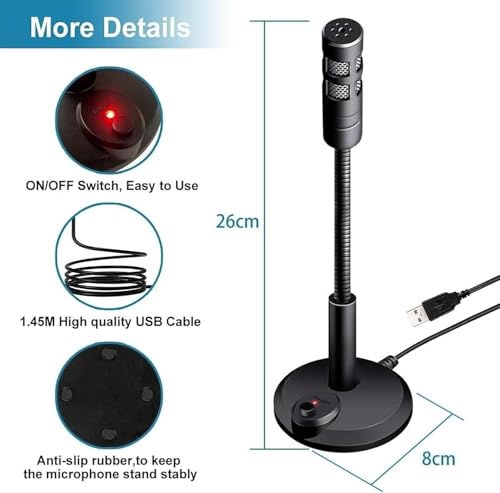
- {Plug & Play(1.5M/5ft USB Cable)}No Driver,Simply plug computer microphone into any available USB port,select it as your input in your software settings,and you're ready to create your own audio.Windows and Mac compatible.
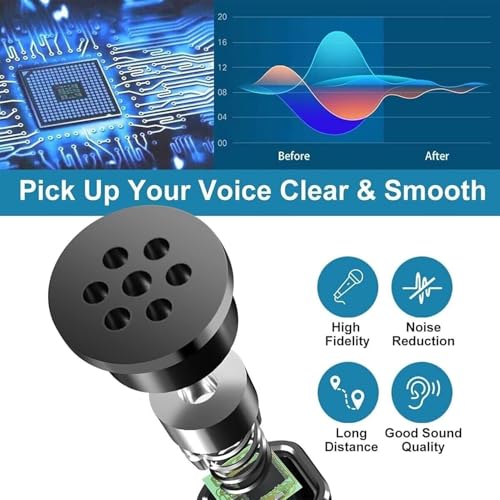
- {Advanced Microphone Smart Chip}The computer microphone use updated CCS 2.0 chip to solve PoP sound quality problem and static noise problem to make your voice be more clear without any other sound.
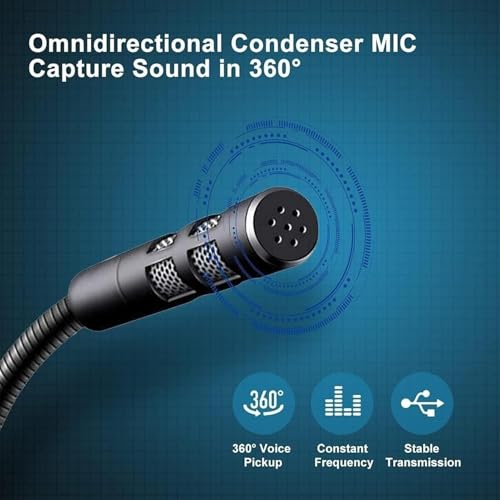
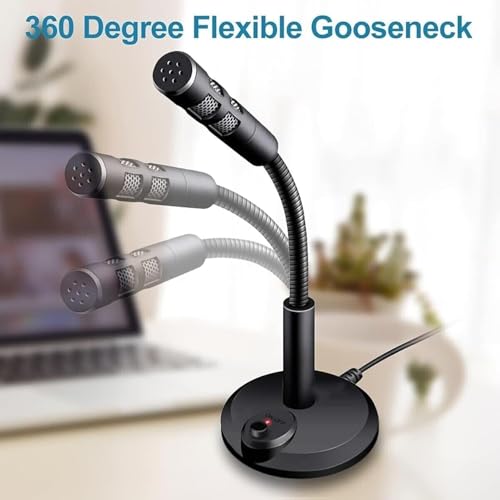
- {360 Degree Flexible Gooseneck Design}Durable tube with metal material,PC microphone allows you to adjust the perfect angle,height or swivel to record your voice.The on/ off button setting of the steady wide stand allows you to fix the unexpected noise.
- {Mute Button & Smart LED Indicator}One-click to mute/unmute your microphone for Pc by a gentle touch,Build-in LED indicator tells you the working status at any time.So simple and convenient.
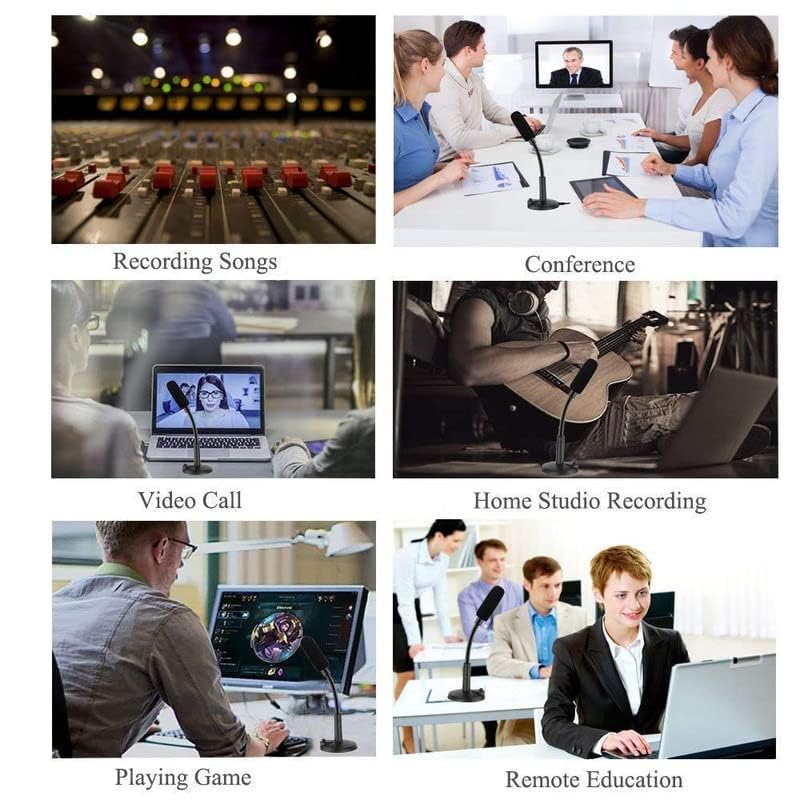
- {Multifuncional & Unique Microphone}This type of desktop microphone is good for network chatting,singing,home studio,gaming,Skype,Discord,Speech,Yahoo Recording,YouTube Recording,Google Voice Search,Steam,podcast and desktop recording.
- {Important Tips}--(a)You can adjust the microphone volume in System Setting Panel. e.g for in Win 10: Start->Settings->"System-> select Sound in the side bar -> choose 3- USB PnP Sound Device as Input Device -> click Device Properties -> move the volume slider to 85-100.
- {Important Tips}--(b)Skype:Option->Audio Device -> select 3- USB PnP Sound Device-> move the volume slider to 100.You can do similar settings on other systems & Apps.
Images
× ![]()
* Predictions is created on based of past prices and trends, it does not guarantee that it will happen. These are just prediction for theoretical information only.